![Logotype-primary (1).png]](https://knowledgebase.getvim.com/hs-fs/hubfs/Knowledge%20Base/Logotype-primary%20(1).png?height=50&name=Logotype-primary%20(1).png)
- The practice's admin will send an email from Vim's Admin Portal to set a password.
- You will receive an email with the subject "You now have access to Vim Connect!"
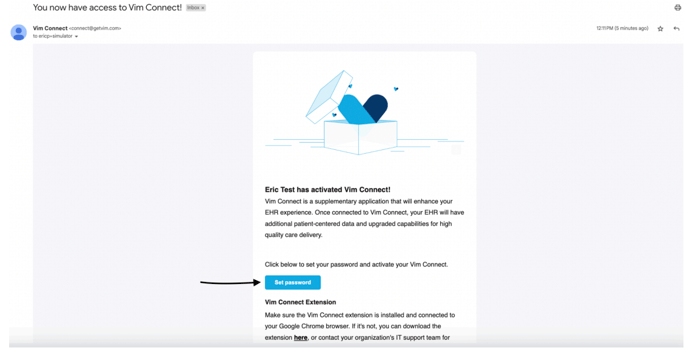
- Select "Set Password"
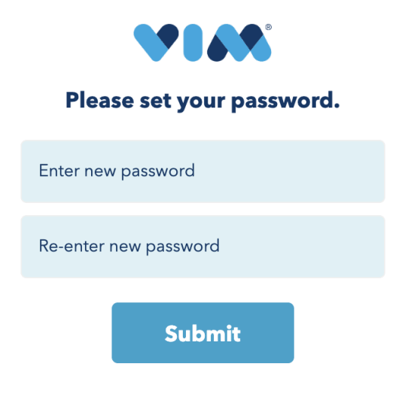
- Change your password and click "Submit"
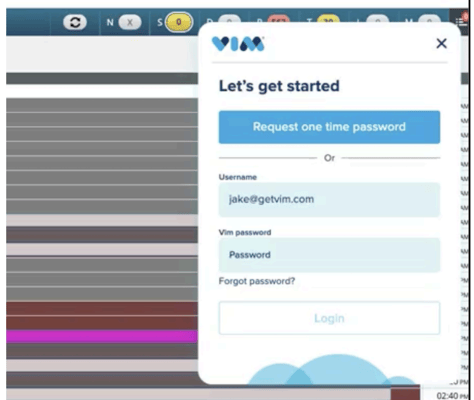
- Log back in to your eCW account, and enter your new Vim password.